A WordPress website does not need a separate JavaScript application to feel immediate. For many portfolios, publications, and business sites, the stronger architecture is still a complete server-rendered document—then a small navigation layer that improves transitions after the first page has loaded.
This approach keeps the parts WordPress already handles well: public URLs, previews, editorial workflows, metadata, templates, caching, and graceful failure. The browser receives useful HTML immediately. JavaScript improves the experience, but it is not responsible for making the website exist.
Start with a complete document
The first request should return the header, main content, footer, metadata, and meaningful links as ordinary HTML. This is the most important performance and reliability decision in the system.
A complete response can be cached at the web server or CDN, inspected by search engines, shared through normal URLs, and read when JavaScript is unavailable. It also makes debugging straightforward: when an enhanced transition fails, the link can still perform a normal navigation.
Architecture rule
If the navigation enhancement disappeared tomorrow, every public URL should still return the correct page.
Enhance stable page regions
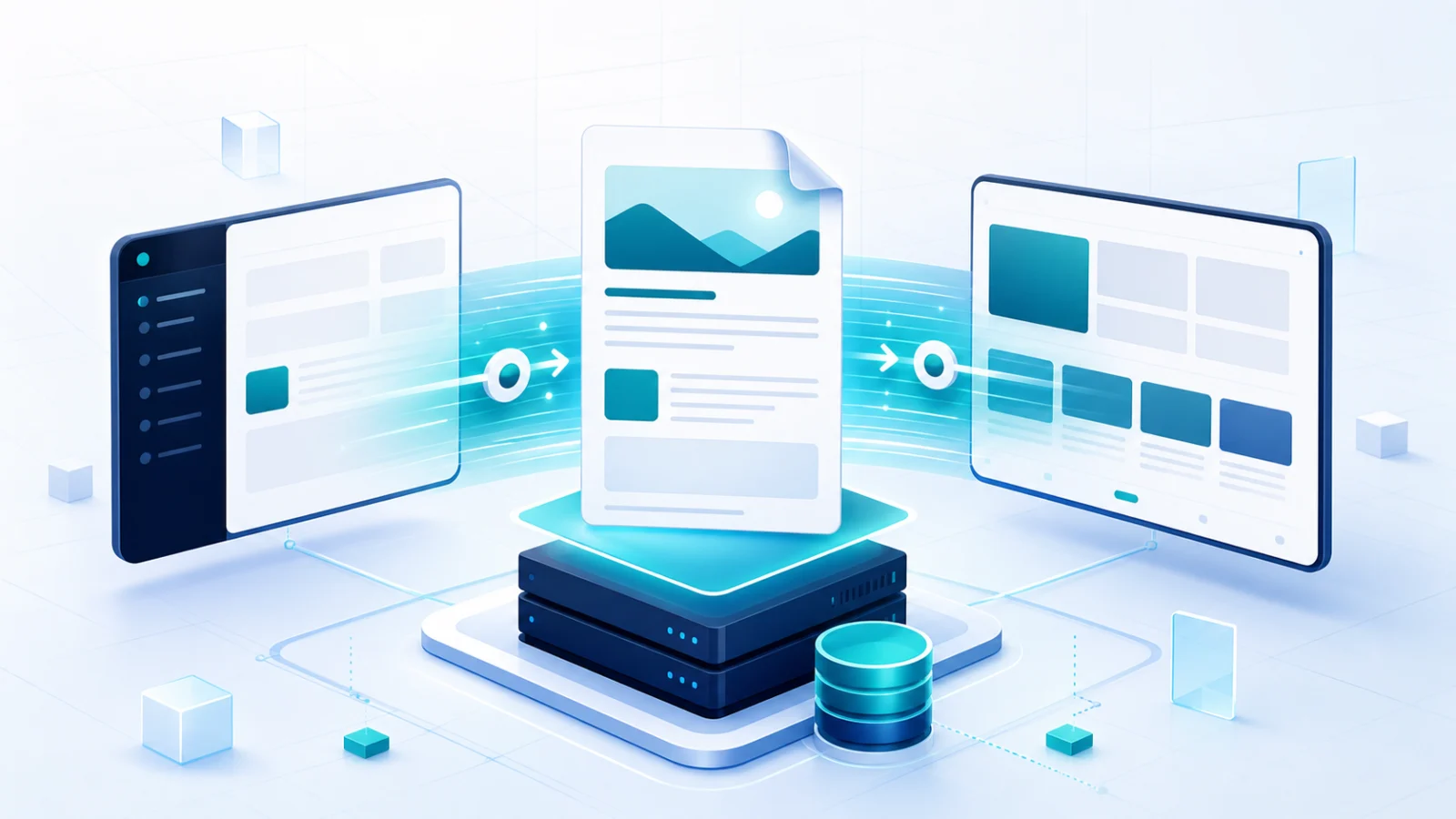
Once the initial document is working, selected regions can participate in client-side navigation. A typical site divides the response into a persistent header, the main page content, and a footer. Following an eligible internal link fetches the destination HTML and replaces those regions instead of rebuilding the whole browser page.
The destination is still a real WordPress response. The navigation layer is not calling a collection of custom content endpoints and reconstructing a page from JSON. It downloads the same public document a direct visitor would receive, then uses the relevant regions.
Choose links deliberately
- Enhance normal internal GET requests.
- Leave admin, login, preview, form submission, download, and authenticated URLs alone.
- Preserve modifier-click behaviour for opening a link in another tab.
- Let external, email, and telephone links keep their native behaviour.
- Update focus, document title, history, and scroll position after navigation.
Page caching remains the performance foundation
Client-side transitions do not remove the cost of generating a WordPress page. If every navigation request still starts PHP, runs repeated database queries, and assembles the document from scratch, the transition can remain slow.
Full-page caching solves the larger problem. The first anonymous request generates the HTML; later requests can receive the stored response. Enhanced navigation benefits from exactly the same cache because it requests the public page URL. The system becomes faster without creating two rendering pipelines.
Fast navigation and cached HTML are complementary. One improves the browser transition; the other reduces the server work behind it.
Design the failure path before the happy path
Progressive navigation should be conservative. If a response is invalid, a region is missing, a request times out, or a browser capability is unavailable, the system should fall back to normal navigation. A visitor may notice a full page load, but they should not reach a broken state.
Forms need particular care. A contact form, checkout, login screen, or action with side effects should not be treated like a normal content link. Keep those flows native unless the component explicitly supports enhanced submission and error recovery.
When a headless frontend is justified
Headless WordPress is valuable when the product genuinely has a separate application layer: several non-WordPress clients consume the same content, the interface is dominated by authenticated state, the team already operates a mature frontend platform, or the public experience cannot be represented well by server-rendered templates.
It is less convincing when the main requirement is simply “the page should not flash during navigation.” Introducing a frontend server, API contracts, preview integration, cache invalidation across two systems, and another deployment pipeline is a large answer to a small interaction problem.
A practical implementation checklist
- Build every URL as valid server-rendered WordPress output.
- Define a small number of stable page regions.
- Enhance only safe internal links.
- Prefetch conservatively on intent, not every link on the page.
- Configure full-page caching for anonymous GET and HEAD requests.
- Bypass admin, authenticated, preview, and form requests.
- Test browser history, focus, scroll restoration, analytics, and error fallback.
- Measure the uncached response as well as the cached experience.
The result is not a simulated single-page application. It is a WordPress website with a better navigation layer: simpler to host, easier to edit, friendly to caches, and resilient enough to work when the enhancement cannot.
FAQ
Common questions
Concise answers to questions readers often ask about this topic.
Does app-like navigation make WordPress headless?
No. WordPress still renders every public URL as a complete HTML document. The navigation layer only improves eligible internal transitions after the first page has loaded.
Will the website still work without JavaScript?
Yes. Every enhanced link remains a normal link, so the browser can perform a full navigation whenever JavaScript is unavailable or an enhanced request fails.
Can full-page caching still be used with enhanced navigation?
Yes. Enhanced navigation requests the same public WordPress URLs as a direct visit, allowing both types of requests to benefit from the same server or CDN page cache.