A plugin is not a problem merely because it is a dependency. WordPress itself is a dependency. The useful question is whether each component owns a clear responsibility, removes more risk than it introduces, and has a predictable maintenance path.
Sites become fragile when several tools compete for the same behaviour: two form systems, overlapping SEO output, multiple cache layers, a theme that owns business data, and small utility plugins changing global frontend rules. Fewer dependencies help, but clearer ownership helps more.
Put presentation in the theme
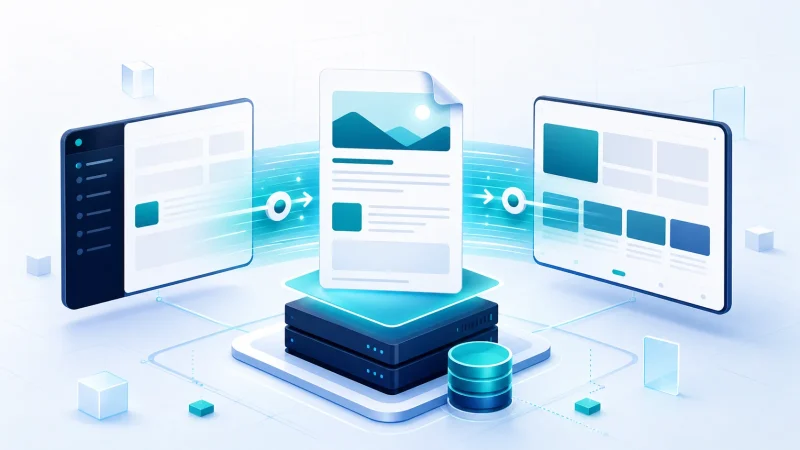
The theme should own templates, visual tokens, layout, typography, responsive behaviour, and presentation-specific enhancements. Changing the theme may change how the site looks, but it should not erase the underlying project records, testimonials, customer rules, or integration state.
- Templates and template parts.
- Block styles, spacing, colors, and typography.
- Responsive layout and navigation presentation.
- Article cards, author presentation, and reading aids.
- Small enhancements that are meaningful only with that presentation.
Put durable behaviour in a functionality plugin
Content types, taxonomies, business fields, permissions, APIs, scheduled processes, commerce rules, and integration logic should survive a visual redesign. A focused functionality plugin gives those features a stable home.
Simple test
If this information or behaviour must still exist after changing the visual theme, it probably does not belong in the theme.
This does not require one enormous custom plugin. Group responsibilities by domain. A portfolio content model can remain separate from a payment integration. The important part is that ownership is visible and each component has a reason to exist.
Let WordPress own platform capabilities
Before adding another dependency, check whether WordPress or WooCommerce already provides the capability at the required level. The block editor, template system, responsive images, metadata APIs, roles, scheduled events, REST interfaces, and interactivity layer cover many needs that once required separate frontend frameworks or page builders.
Using a platform capability is not automatically better. It becomes better when it meets the product requirement, has an active maintenance path, and keeps the system understandable for the team that will operate it.
Keep infrastructure behaviour at the hosting layer
Page caching, PHP configuration, backups, TLS, deployment credentials, server cron, and edge delivery are operational concerns. WordPress may integrate with them, but their authoritative configuration should be documented with the environment.
This separation prevents a theme update from changing the cache strategy and prevents a content editor from becoming responsible for backup retention. It also makes a future hosting move easier because the environment-specific assumptions are visible.
Evaluate a dependency before installing it
- Fit: Does it solve the complete requirement or only the easiest demonstration?
- Ownership: Does it overlap another tool already in the stack?
- Data: Can the content or configuration be exported and understood without the plugin?
- Frontend cost: What scripts, styles, requests, and markup appear on pages that use it—and pages that do not?
- Security: What permissions, uploads, remote calls, and public endpoints does it introduce?
- Maintenance: Is it actively supported and compatible with the required PHP, WordPress, and WooCommerce versions?
- Exit: What happens if the project removes it in two years?
Avoid dependency stacks built from convenience
A visual builder may require an add-on pack, a widget library, a header extension, and a performance plugin to control the assets loaded by the first three. Each decision makes the next one feel necessary. The site eventually depends on a chain no one selected as a system.
Choose the architecture as a whole. Do not let a sequence of small conveniences choose it for you.
For a focused portfolio, a custom block theme plus one functionality plugin may be easier to maintain than a general-purpose builder ecosystem. For a marketing team that assembles many campaign pages, a mature builder may be the more responsible choice. The right answer depends on ownership and change frequency, not ideology.
Know when custom code becomes another liability
Custom code is also a dependency. It needs an owner, tests, documentation, review, and an upgrade path. Rebuilding a proven payment, security, or form platform to avoid a plugin can increase risk dramatically.
Custom development is strongest when the requirement is genuinely specific, the implementation can remain small, and the business benefits from controlling the behaviour. Use established products for complex commodity capabilities; write focused code for the unique workflow that differentiates the project.
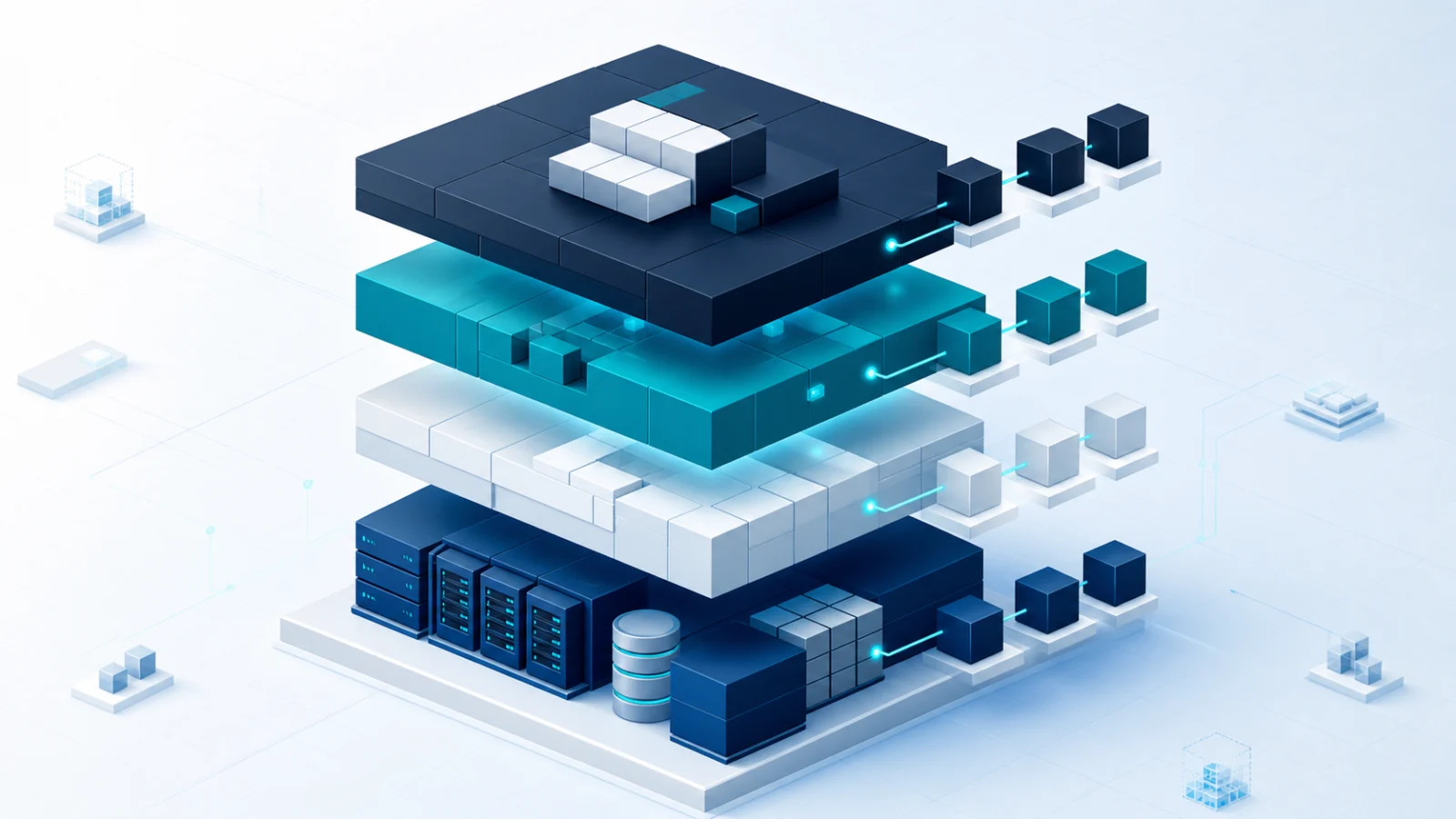
A maintainable ownership map
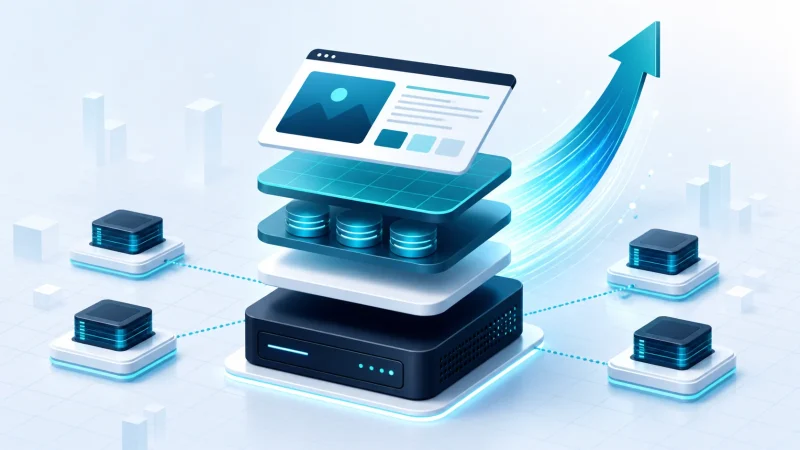
- Theme: presentation, templates, visual components, and responsive behaviour.
- Functionality plugins: durable content models, business rules, APIs, integrations, and scheduled work.
- WordPress and WooCommerce: platform capabilities and supported extension boundaries.
- Hosting configuration: caching, backups, runtime settings, deployment, and infrastructure security.
- Documentation: why each dependency exists, who owns it, and how it can be replaced.
A smaller plugin count is a useful side effect, not the target. The target is a WordPress system where every important responsibility has one understandable home.
FAQ
Common questions
Concise answers to questions readers often ask about this topic.
Does using fewer WordPress plugins automatically make a site faster?
No. Plugin quality, workload, overlap, and execution paths matter more than the raw count. Fewer dependencies help most when they also create clearer ownership and less repeated work.
What belongs in a WordPress theme instead of a plugin?
Presentation, templates, visual components, and responsive behavior belong in the theme. Content models, business rules, integrations, and durable behavior should remain in plugins.
When is a custom WordPress plugin appropriate?
Use a custom plugin when site-specific content structures, workflows, APIs, integrations, or business rules must survive a theme change and need one maintainable owner.